As an Amazon Associate, 456 AutoFix earns from qualifying purchases. Product links below go to Amazon, where you can confirm the right part for your vehicle.
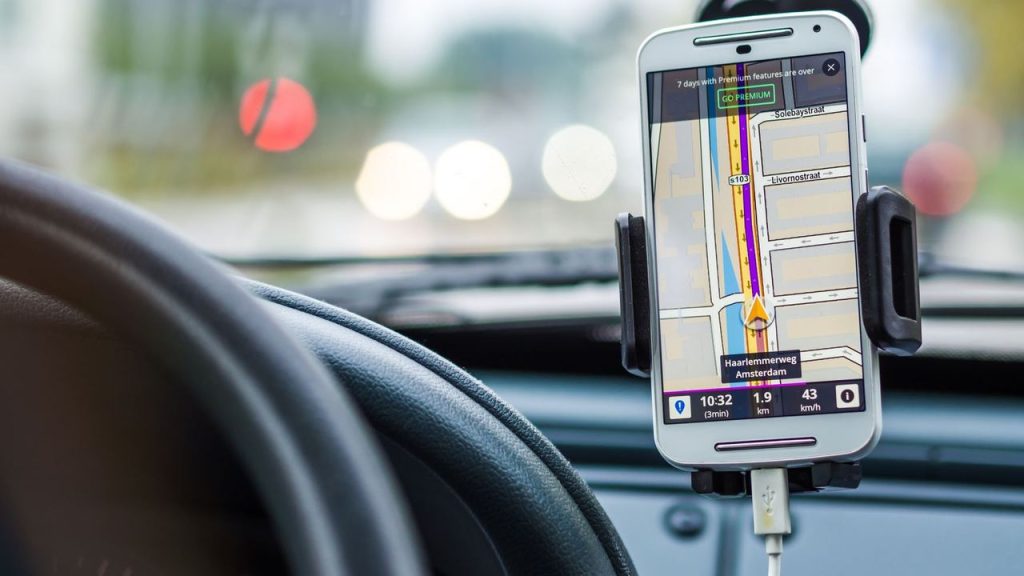
A check engine light that comes on during a cold morning commute is the moment most iPhone owners start shopping for a scanner. The best Bluetooth OBD2 scanner for iPhone is the one your phone can actually see, paired with an app that turns a code into something you can act on.
That first part trips up a lot of buyers, because plenty of cheap adapters only talk to Android. Below we explain why, how the two kinds of phone scanners differ, and then review six adapters whose listings name iOS support. If you would rather have a handheld unit with its own screen, our guide to OBD2 scanners for DIY mechanics covers those.
Quick answer
Which Bluetooth OBD2 scanner works well with an iPhone?
For the widest app choice and maker-level data, the OBDLink MX+ is the strongest all-rounder. FIXD suits drivers who want plain-English results, and the Veepeak OBDCheck BLE+ is a simple, low-cost adapter for apps like Car Scanner and OBD Fusion. Always confirm the listing says iOS, not Android only.
Our Quick Picks
Three iPhone-ready picks for the main styles of phone scanning: open and app-flexible, plain-English reports, and a simple low-cost adapter.

OBDLink MX+
An open adapter with its own app and wide third-party support.

FIXD
A leave-in sensor that explains codes in simple terms.

Veepeak OBDCheck BLE+
A basic adapter for reading codes and live data in your chosen app.
Why Some Adapters Never Show Up on an iPhone
Every adapter here plugs into the OBD-II port under the dash, which all gasoline cars sold in the US have carried since the 1996 model year. The difference is the radio inside. Many older and budget adapters use classic Bluetooth, which Android phones accept but iPhones won’t connect to without Apple’s accessory certification.
Makers are fairly honest about this on their listings. Vgate sells a Bluetooth 3.0 iCar Pro labeled “Android Only, Not for iOS”, and Veepeak marks its Mini adapter “NOT for iOS”. The iPhone-ready versions use Bluetooth Low Energy (BLE) instead, or a certified chip like the one in the OBDLink MX+.
- Look for “iOS” or “iPhone” in the title or bullets: “works with Bluetooth” on its own tells you nothing.
- Expect to connect inside the app: several listings, including the Vgate iCar Pro 2S and BLCKTEC 430, say not to pair through the iPhone’s Bluetooth settings.
Open Adapter or All-in-One App?
Phone scanners split into two camps, and choosing the camp first saves a lot of second-guessing. An open adapter, such as the Veepeak, Vgate or OBDLink, is a radio bridge that works with many third-party apps. You pick the software, whether that is a free generic reader, an enthusiast app like BimmerCode or a Ford tool like FORScan.
A closed system, such as FIXD, Innova or BLCKTEC, pairs its hardware with the maker’s own app. You get plain-language reports, repair suggestions and fewer settings to fiddle with, but you can’t swap in another program later.
Best Bluetooth OBD2 Scanner for iPhone: Six Adapters Reviewed
Every product below lists iPhone or iOS support. Descriptions stick to what each maker or Amazon listing states, and coverage of ABS, airbag and other modules always depends on your vehicle’s make, model and year.
1. OBDLink MX+: Bluetooth OBD2 Adapter for iPhone, Android and Windows
- Works with iPhone, Android and Windows
- Enhanced OEM data for many makes
- Supports FORScan, BimmerCode and more
- Battery drain and over-voltage protection
The OBDLink MX+ is a small plug-in adapter that turns an iPhone, Android device or Windows PC into a scan tool. It is one of the few Bluetooth units that works with an iPhone while still supporting the wide range of third-party software usually reserved for Android, so you are not locked into a single app.
The listing names FORScan, Torque, BimmerCode, DashCommand, AlfaOBD and Carista among the apps it is recommended for, and it lists enhanced manufacturer data for Ford, GM, Mazda, Nissan and Infiniti, Toyota and Lexus, Honda, Hyundai and Kia. On supported vehicles it can show more live parameters, including ABS, SRS and TPMS data, and it clears the check engine light. OBDLink’s own page adds support for the SW-CAN and MS-CAN networks some Ford and GM systems use, plus automatic sleep and wake-up.
Over-voltage and battery drain protection are built in, and firmware updates are included. That makes the MX+ a sensible choice for an enthusiast who wants to read codes today and try coding or deeper module access later. It is more adapter than a driver needs for a simple code check, and OBDLink advises checking its troubleshooting guide to confirm your vehicle and the features you want before buying.
2. Veepeak OBDCheck BLE+: Bluetooth LE OBD2 Code Reader for iOS and Android
- Bluetooth LE for iPhone and Android
- Reads and clears check engine codes
- Freeze frame, I/M readiness, live data
- Works with Car Scanner and OBD Fusion
The Veepeak OBDCheck BLE+ is a bare adapter rather than a complete system: it needs a compatible third-party app to do anything. Its Bluetooth Low Energy radio is what lets it work with an iPhone, and it also supports classic Bluetooth for certain Android apps. Veepeak notes that you connect from inside the app after choosing the right connection type, not from the phone’s settings.
Out of the box it covers generic OBD-II functions. You can read and clear trouble codes behind a check engine light, view freeze frame data, check I/M readiness and watch live sensor data. The listing names Car Scanner ELM OBD2, OBD Fusion, BimmerCode, BimmerLink and OBD JScan among compatible apps, and says advanced systems like ABS, SRS and TPMS may be reachable on some vehicles through paid apps.
That makes the BLE+ a low-cost way to see what set the light and to keep an eye on coolant temperature or fuel trims. Be aware of the limits Veepeak spells out. It is not compatible with Carly, MHD, xHP, ProTool or bootmod3, BimmerCode and BimmerLink do not support BMW models before 2008 with it, and it does not handle MS-CAN in FORScan.
View Veepeak OBDCheck BLE+ on Amazon
3. FIXD Bluetooth OBD2 Scanner: Check Engine Code Reader with Multi-Car App
- iPhone and Android compatible
- Plain-English explanations of codes
- Saves scans and reminders per vehicle
- Gas and hybrid 1996+, diesel 2006+
FIXD pairs a compact Bluetooth sensor with its own app, and it is built for drivers who want an answer more than a list of raw data. The listing says it can identify more than 39,000 issues across thousands of vehicles, from basic check engine codes to enhanced codes, and it presents the results as simple explanations rather than bare code numbers.
The free app covers unlimited scans for your family’s vehicles. You can save scan history by car, track mileage-based maintenance reminders and share results with a relative or a shop, and the app can alert you when it detects a severe issue. The sensor is designed to stay hidden under the dash, so it is always plugged in and ready. FIXD lists support for gasoline and hybrid vehicles from 1996 and diesels from 2006, with features varying by make and model.
A free trial of the premium tier is included, adding repair recommendations, cost estimates, vehicle value and live mechanic support, and you can decline it and keep the basic scans. FIXD suits a household with a few cars and no interest in live data graphs. It is a closed system, so it does not work with third-party enthusiast apps.
4. Vgate iCar Pro 2S: Bluetooth 5.2 OBD2 Adapter for iPhone, Android and Windows

- Bluetooth 5.2, up to 3Mbps
- Sleep draw as low as 3mA
- Remote wake-up, including hybrids and EVs
- Works with Car Scanner, Torque, BimmerCode
The Vgate iCar Pro 2S is the Bluetooth 5.2 update to the long-running iCar Pro line, and unlike the older Bluetooth 3.0 model it works with iPhones as well as Android phones and Windows PCs. Vgate says no Bluetooth pairing is needed on iOS: you open your scanner app and connect from there, which avoids the usual settings-menu confusion.
Its main selling point is power management. The listing quotes a sleep draw as low as 3mA, with automatic sleep and remote wake-up on all vehicles, including hybrids and electric cars. For EV diagnostics it supports up to 208 groups of pass, block and flow control filters, and Vgate says data transfer reaches up to 3Mbps, faster than the earlier Bluetooth 4.0 version.
As an open adapter it relies on the app you choose. Vgate names Torque, Car Scanner, Dr. Prius, OBD JScan and BimmerCode among compatible software and notes that some apps charge fees. It supports OBD2-compliant domestic, Asian and European vehicles sold in the US and light 12V diesels of 6.5 tons or less, but not 24V diesel systems, and its firmware can be updated from a phone or PC.
View Vgate iCar Pro 2S on Amazon
5. Innova 1000: Bluetooth OBD2 Scanner for iPhone with ABS and SRS Codes

- Works through the RepairSolutions2 app
- Engine, ABS and SRS data
- No subscription fees
- Most 1996 and newer vehicles
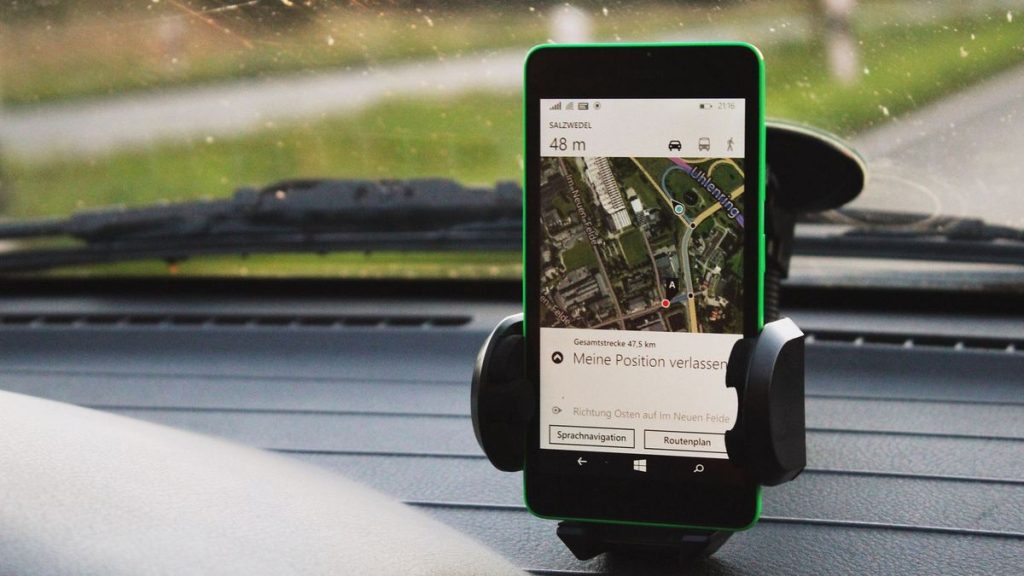
The Innova 1000 is a compact Bluetooth scanner from a long-established code reader brand, designed to work through Innova’s RepairSolutions2 app on an iPhone or Android phone. The listing says it lets you view data from the engine, ABS and SRS systems, so it goes a step beyond a basic engine-only reader when your vehicle is supported.
Innova’s main pitch is that there are no subscriptions or hidden fees. The app provides verified fixes, part recommendations and repair cost estimates at no extra charge, which suits drivers who want to know what a code usually leads to before calling a shop. It also shows real-time data, and Innova highlights its use for checking emissions readiness before a test.
The unit is light and portable, so it can live in the glovebox and come out when a light appears or when you look at a used car. Coverage is listed for most cars, trucks and SUVs from 1996 on, including Toyota, Ford, Honda, Chevrolet and Nissan, but Innova is clear that features vary by vehicle. Use the Innova Coverage Checker before buying, particularly if ABS and airbag access is the reason you want it.
6. BLCKTEC 430: Bluetooth OBD2 Scanner for iPhone with ABS, SRS and TPMS

- Uses the RepairSolutions2 app
- ABS, airbag, SRS and TPMS codes
- No subscription, one-time purchase
- iOS 15.0 or later, Android 10.0 or later
The BLCKTEC 430 is a Bluetooth scanner from a Southern California company that says its tools are designed by master technicians. Like the Innova 1000, it runs through the RepairSolutions2 app, and the listing states compatibility with iPhones and iPads on iOS 15.0 or later and Android devices on 10.0 or later. It has no battery and powers on when plugged into the OBD2 port.
Beyond reading and clearing check engine codes, the listing names access to ABS, airbag, SRS and TPMS codes, with availability depending on the vehicle. The app produces repair reports with possible causes and verified fixes for your make and model, and it includes a library of repair videos. BLCKTEC says there is no subscription, so a single purchase unlocks all features.
Two cautions matter here. BLCKTEC asks you not to pair the 430 through your phone’s Bluetooth settings, but to open RepairSolutions2 and follow the in-app steps, and to read the quick start guide first. The tool and app only work in the US and Canada, and coverage is listed for most OBD2 vehicles from 1996 to 2023. Run the Compatibility Checker on BLCKTEC’s website for your year, make and model before ordering.
Side by Side: Which iPhone Scanner Fits Your Driving
Use the table to narrow the list, then check the maker’s vehicle coverage tool before you order.
| Adapter | App model | Beyond engine codes | Good fit for |
|---|---|---|---|
| OBDLink MX+ | Own app plus many third-party apps | ABS, SRS, TPMS on supported makes; MS-CAN and SW-CAN | Enthusiasts, Ford and GM owners, coding apps |
| Veepeak OBDCheck BLE+ | Third-party apps only | Advanced modules through paid apps on some vehicles | A low-cost reader for live data |
| FIXD | FIXD app, optional premium | Enhanced codes on supported vehicles | Families tracking several cars |
| Vgate iCar Pro 2S | Third-party apps only | Depends on the app you choose | Hybrid and EV owners, leave-in use |
| Innova 1000 | RepairSolutions2, no subscription | ABS and SRS on supported vehicles | Drivers who want repair guidance |
| BLCKTEC 430 | RepairSolutions2, no subscription | ABS, SRS, TPMS on supported vehicles | US and Canada owners wanting video help |
Leaving a Scanner Plugged In Through a Michigan Winter
Some adapters are designed to stay in the port, which is handy for spotting a new code the day it appears. FIXD describes its sensor as staying hidden under the dash, and the OBDLink MX+ and Vgate iCar Pro 2S both list automatic sleep and low-power modes. Vgate quotes a sleep draw as low as 3mA.
Even a small draw adds up when a car sits. Cold weather already cuts a battery’s reserve, and a second car parked for a few weeks in a Grand Rapids January may not have much to spare. If you store a vehicle or drive it rarely, unplug the adapter, and if the battery keeps going flat anyway, our guide to tracking down a battery that dies overnight walks through the usual suspects.
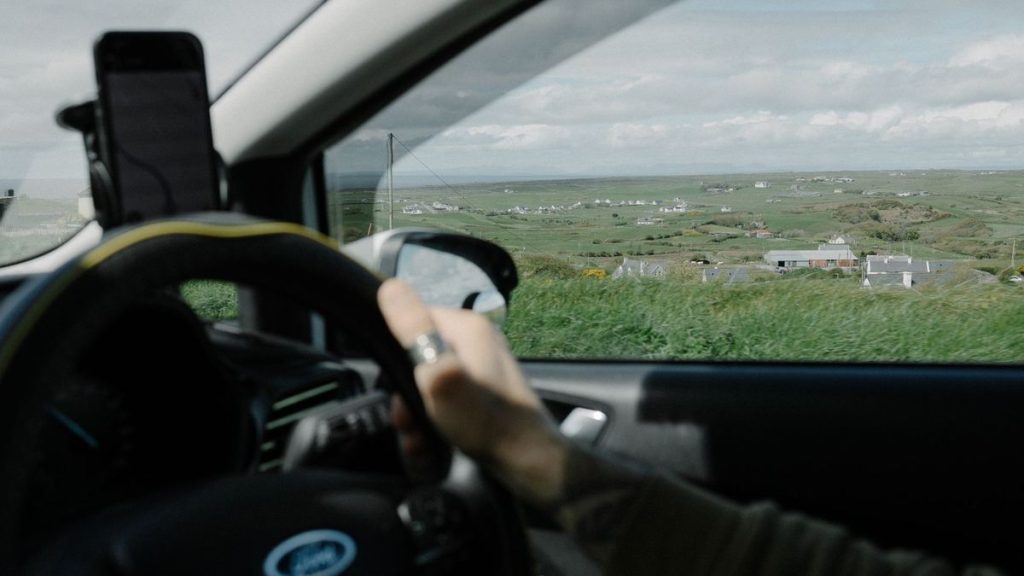
On a used-car test drive, a phone scanner shows stored codes and readiness monitors, a hint that a code was cleared before the sale. Pair it with our used car buying checklist for Michigan buyers.
A Code Is a Clue, Not the Repair
Even the best OBD2 scanner for iPhone only tells you which system flagged a fault, not which part failed. A lean code can come from a vacuum leak, a weak fuel pump or a dirty air flow sensor, and the fix differs for each. Our article on what it means when the check engine light is on but the car runs fine explains which codes can wait and which can’t.
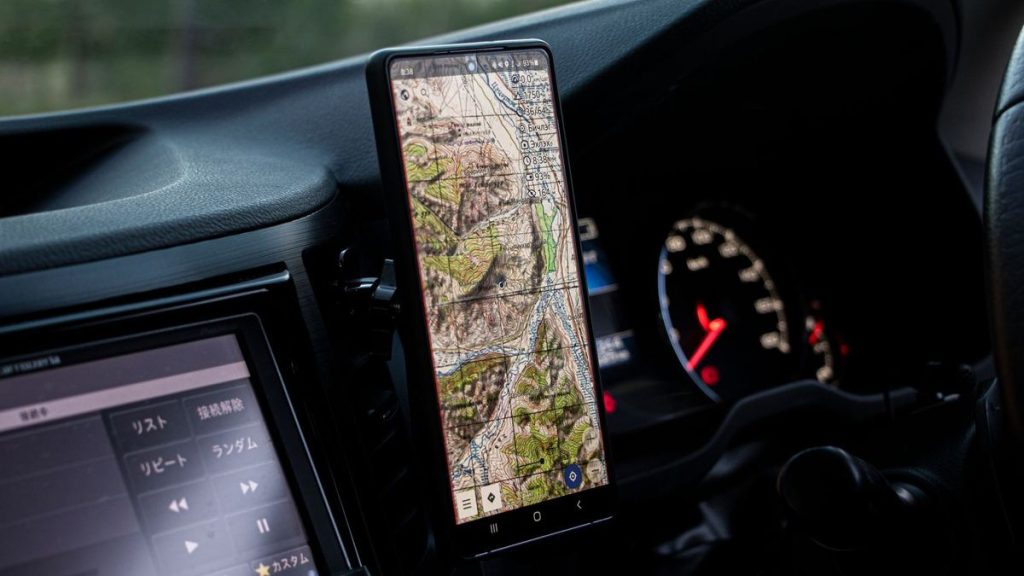
Audi and Volkswagen owners see a few codes again and again, from PCV faults to misfires on the 2.0T, and our rundown of common Audi fault codes and what they usually mean is a good next step after a scan. If the light is flashing, the car feels wrong, or you’ve cleared a code and it keeps returning, book our check engine light diagnostic in Grand Rapids and we’ll test the parts behind it.
For background on the adapter that sets the bar for app support, OBDLink lists the MX+ specifications and supported protocols on its own site, including its iOS, Android and Windows apps.
More Buying Guides
Frequently Asked Questions
Why can’t my iPhone find my OBD2 adapter?
Most often the adapter uses classic Bluetooth, which iPhones don’t connect to unless the device is Apple-certified. Check the listing for iOS support, and connect from inside the scanner app rather than the phone’s Bluetooth settings.
Can an iPhone scanner read ABS and airbag codes?
Some can, on supported vehicles. The Innova 1000, BLCKTEC 430 and OBDLink MX+ listings mention ABS and SRS access, while basic adapters like the Veepeak need a paid third-party app for those systems.
Do these scanners need a subscription?
Not always. Innova and BLCKTEC say there is no subscription, FIXD has free scans with an optional premium tier, and open adapters depend on the app you buy or download.
Will clearing a code with my phone fix the problem?
No. Clearing a code only turns the light off until the car detects the fault again. Find and fix the cause first, or the light will return.
Scanned the car and still not sure what the code means? Call 456 AutoFix at 616-279-3832, Monday to Friday 8am to 5pm, or send us the code through our contact page.
Can’t get away during the day? Use our after-hours drop-off at 456 Carrier St NE and leave a note with the code your phone showed.